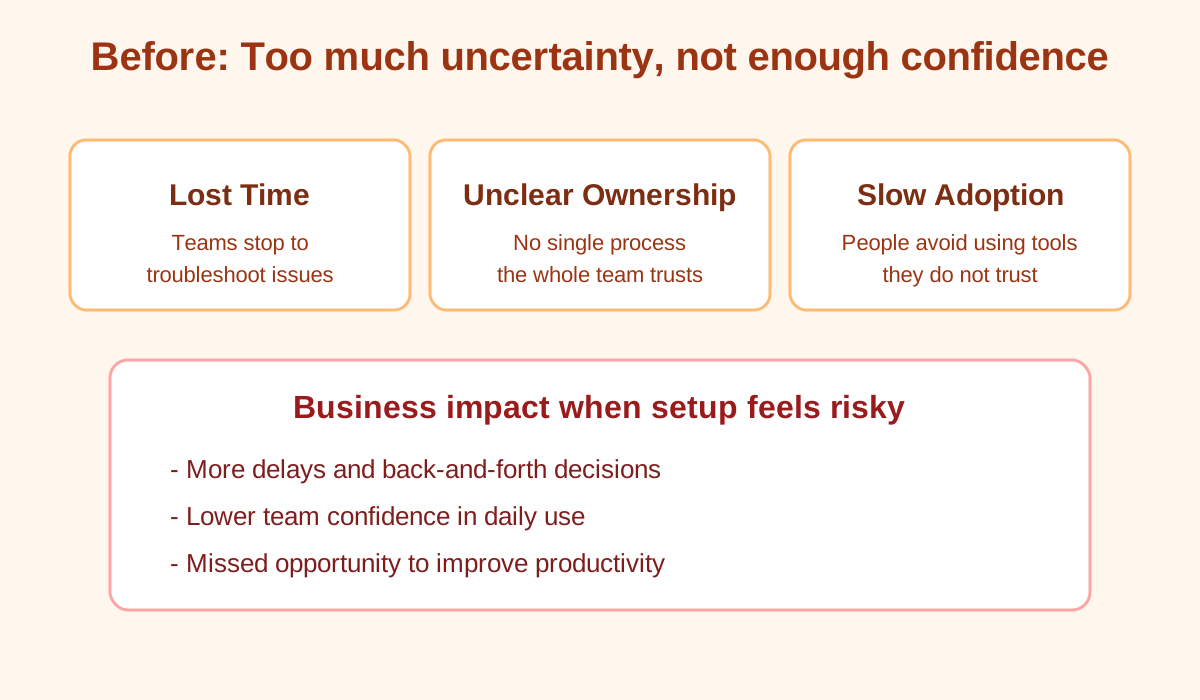
Before: too much uncertainty
We come to your location, install Claude Code in a secure business-ready environment, harden your machine, and train your team in plain English. No jargon, no guesswork.
Message preview
These short orientations are written for business owners, not technologists. Use them to compare tone before you run paid traffic.
Ad Option 1: Trust and protection
Auto-rotates between three ad angles. Sound is optional in-browser.
Most teams try a DIY path and end up with unclear access and weak documentation. This service is built for owners who want an accountable install and a team that can execute safely.
We come to your location and set up Claude Code on your hardware with a protected business-ready environment and clear handoff documentation.
Baseline security configuration, access controls, and responsible credential practices from day one, without publicizing your internal method.
Hands-on training for your team in plain English. Everyone leaves with a repeatable, confident workflow.
Machine readiness verification, documented outcomes, and next steps you can hand to your internal IT contact.
Individual accounts, clear permissions, and a controlled rollout path. No “shared logins for convenience.”
Support certificate eligibility with approved remote support channels, plus hourly add-ons as needed after install.
Many businesses try to set this up themselves and end up with security gaps, unclear access, and no documentation. Here is the practical contrast.
Common DIY path
CITA ClearPath model
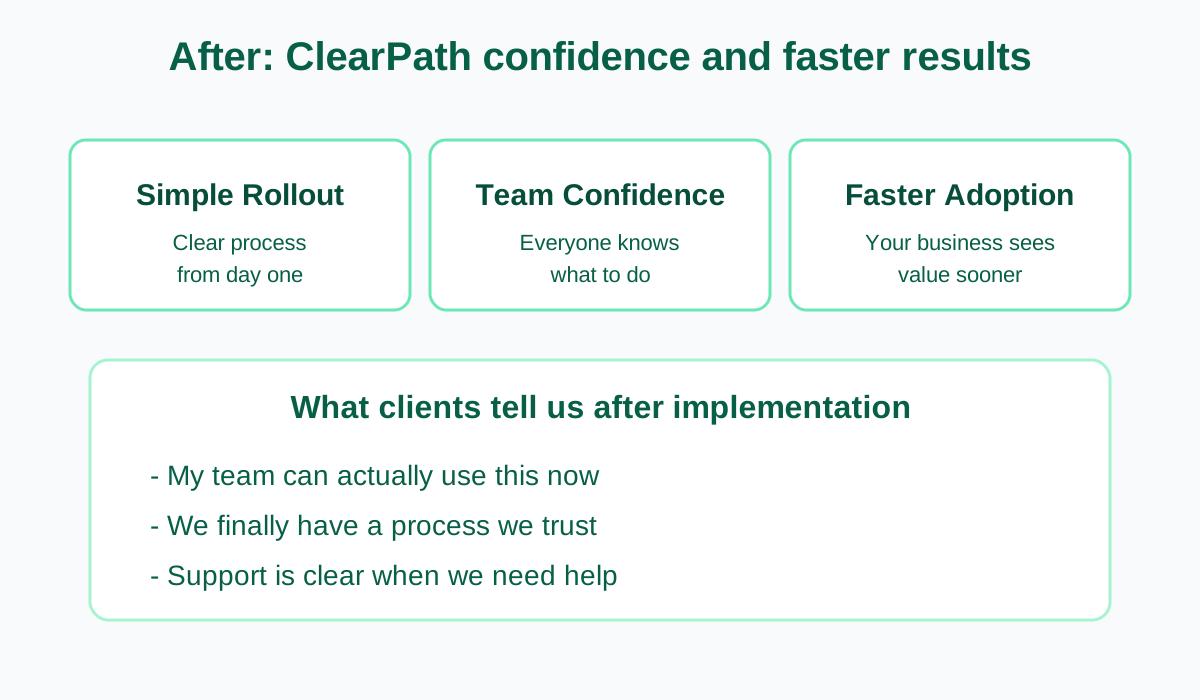
These illustrations compare a risky DIY path versus the documented, business-ready model we install onsite. No "secret method" detail—just outcomes and accountability.
Whether you are a solo operator or leading a team, the install is tailored to your environment and your risk profile.
You want secure AI setup on one primary machine without the complexity. Ideal for consultants, freelancers, and solo professionals who need a dependable workflow.
Best for solo operators who want clear next steps and confidence.
You want staff training and a simple, repeatable process your team can follow. Multiple users, clear permissions, and everyone aligned.
Best for small teams that need shared capability without chaos.
You need rollout controls and governance alignment. Documentation and structure matter for internal review and sign-off.
Best for departments that need audit-friendly installation practices.
The path is designed to be straightforward: you always know what happens next.
A short assessment to understand your hardware, team size, and operating constraints.
Pick a day that works for your business. We plan travel around the date you select.
Clear terms, written in plain language, before payment.
Pay securely through Stripe. Your payment reserves your install window.
You get next steps, prep guidance, and a direct line for scheduling questions.
One flat fee covers the onsite work, training, and travel model described in the service agreement. Social campaign customers may receive discount pricing at checkout.
Single endpoint secure setup for solo operators and very small teams.
Multi-user setup with team training and a repeatable deployment process.
Rollout controls and governance alignment for larger organizations.
One install per day in the next four-week window. Select a date, e-sign, then complete secure checkout. Weekends are available.
Complete this quick step to create a reservation hold, record agreement acceptance, and continue to Stripe deposit checkout.
South Florida is typically served by car. For clients further away, we travel by air as required. Lodging is included when an overnight stay is needed because of schedule or flight disruption, as described in your agreement.
After install, add-on work is available at hourly rates. Your one-year support certificate authorizes approved remote support channels.
Yes. South Florida is often served by car. For clients outside the region, we travel by air as needed. Lodging is included when an overnight stay is required due to flight timing or disruptions, as described in the service agreement. Travel is handled as part of the contracted service model.
You receive a completed install, training, and documentation appropriate to your package. After that, additional work is available at hourly rates, and a one-year support certificate enables approved remote support channels when needed.
We assess your machine during the readiness step and tell you if anything should be addressed before the install date. The goal is no surprises on the day of the appointment.
Most single-site installs are completed within a business day, including training. Larger rollouts can take longer depending on scope.
If you came through a social media campaign, you can request campaign discount pricing at checkout (subject to the coupon configuration on file).
If you want a short call before booking, reach out through the main site contact section and we will help you pick the right path.
Skip the half-finished setup. Get an accountable onsite install, training that sticks, and documentation your team can follow.